
Case study · Loyalty
Think Red Dollars: trade loyalty that doubled monthly claims
Red Smoke Alarms rewards the contractors and installers who buy and fit its alarms. Claims hit 1,400 in September 2026, up from 743 a year earlier.
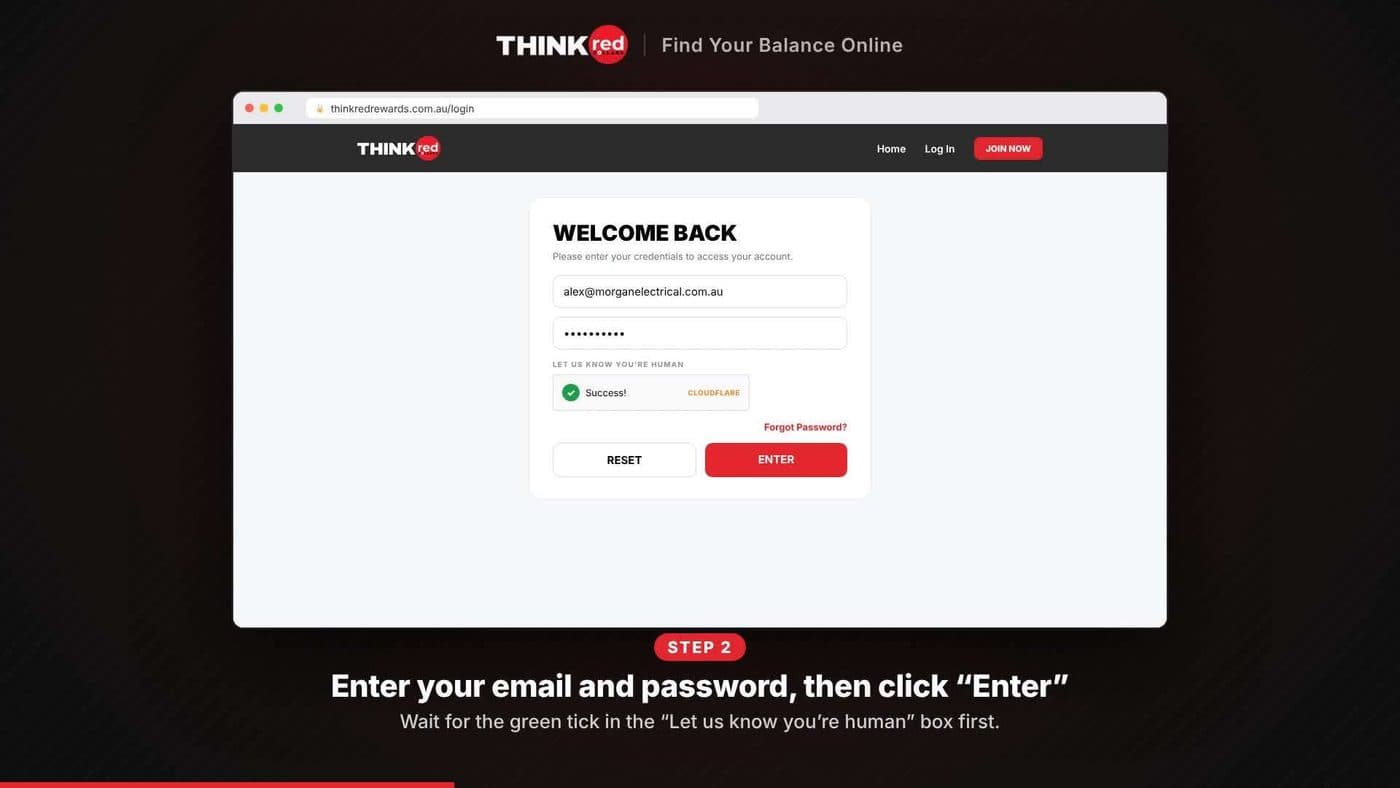

The challenge
What they needed
- Reward and retain the contractors and installers who buy and fit Red Smoke alarms.
- Make sure only genuine trade businesses could take part.
- Protect rewards against product returns.
The solution
What we ran
- Fully responsive loyalty microsite with claim and cash-out history.
- ABN lookup to validate every contractor at registration.
- 30-day cash-out hold after purchase to protect against returns.
- Balances cashed out to a reloadable digital Visa, delivered by SMS.
- B2B prize draw using smoke alarm serial numbers as entry codes.
The results
What it delivered
1,867approved contractors to date, 62 new in September 2026
1,400claims in September 2026, up from 743 a year earlier
12,386claims over the past 13 months
ABN validation significantly reduced fraudulent claims.
Source: Think Red Dollars end-of-month report, Sep 2026
The member how-to videos we made
Companion Pass: find it and add it to your phone's wallet
Silent walkthrough. The steps:
- Open your Think Red card from the link in your SMS, then sign in with a one-time code.
- Tap Get Pass under Apple Wallet, or choose the Google Wallet tab on Android.
- Tap Add to Apple Wallet.
- Check your pass, showing your balance, then tap Add.
Reloadable card: cash out and start spending
Silent walkthrough. The steps:
- Log in at thinkredrewards.com.au and tap Spend Dollars.
- Enter an amount (minimum $150) and tap Process Redemption.
- Verify it's you by choosing where to send a one-time code.
- Enter the code and sign in to your card.
- Tap Add to Apple Wallet, or choose the Google Wallet tab on Android.
- Choose your devices, then tap Add. Your card is ready to spend.
The product behind it
orsom LOYALTY
See how it works, what's included and what it costs.
Explore Loyalty →More case studies
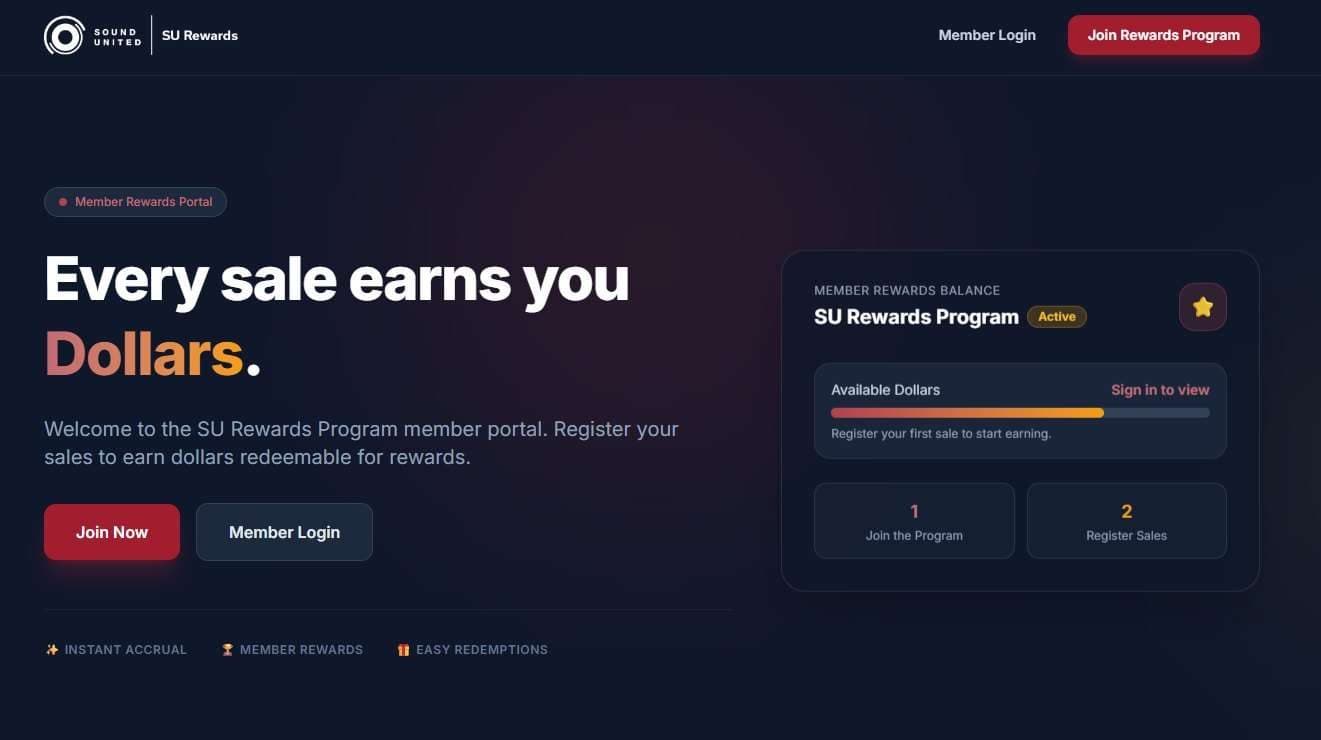 LoyaltySound United (Harman Lifestyle Division)SU Rewards3 → 5 brands, relaunched for Oct to Dec 2026Read the case study →
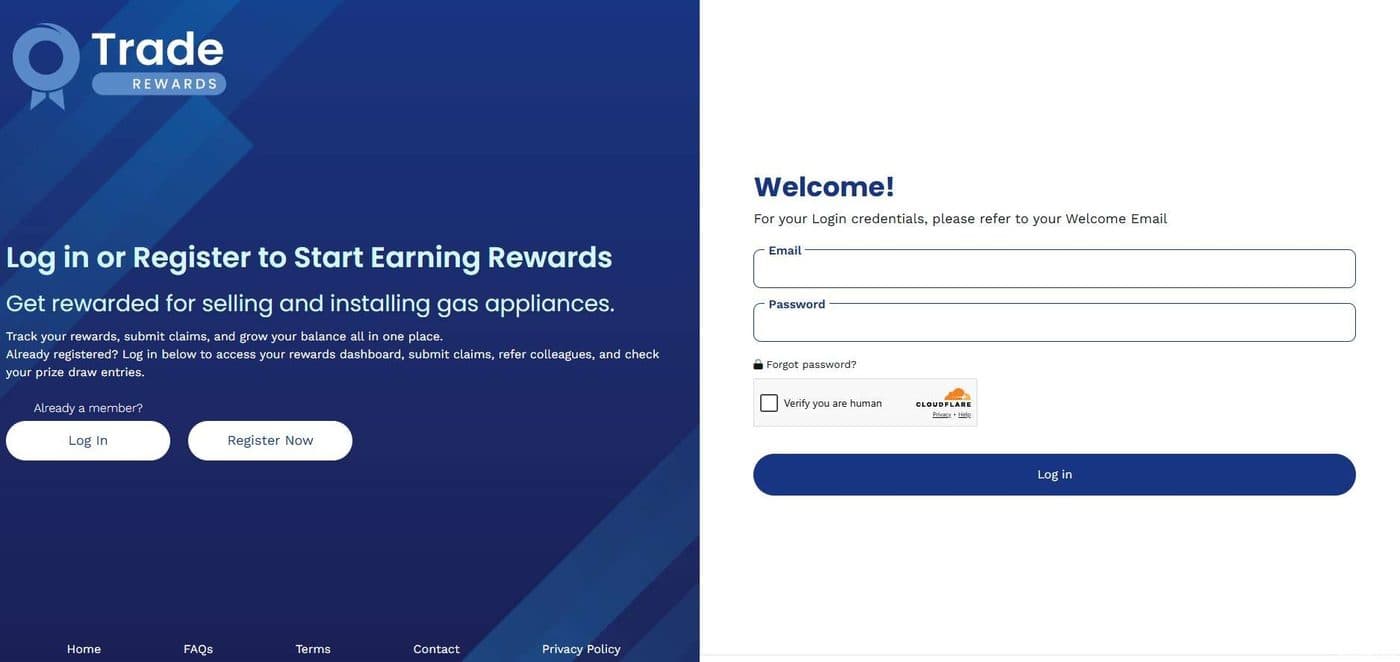 PromotionsJemenaJemena Trade Rewards$100K+ cashback approved, under budgetRead the case study →
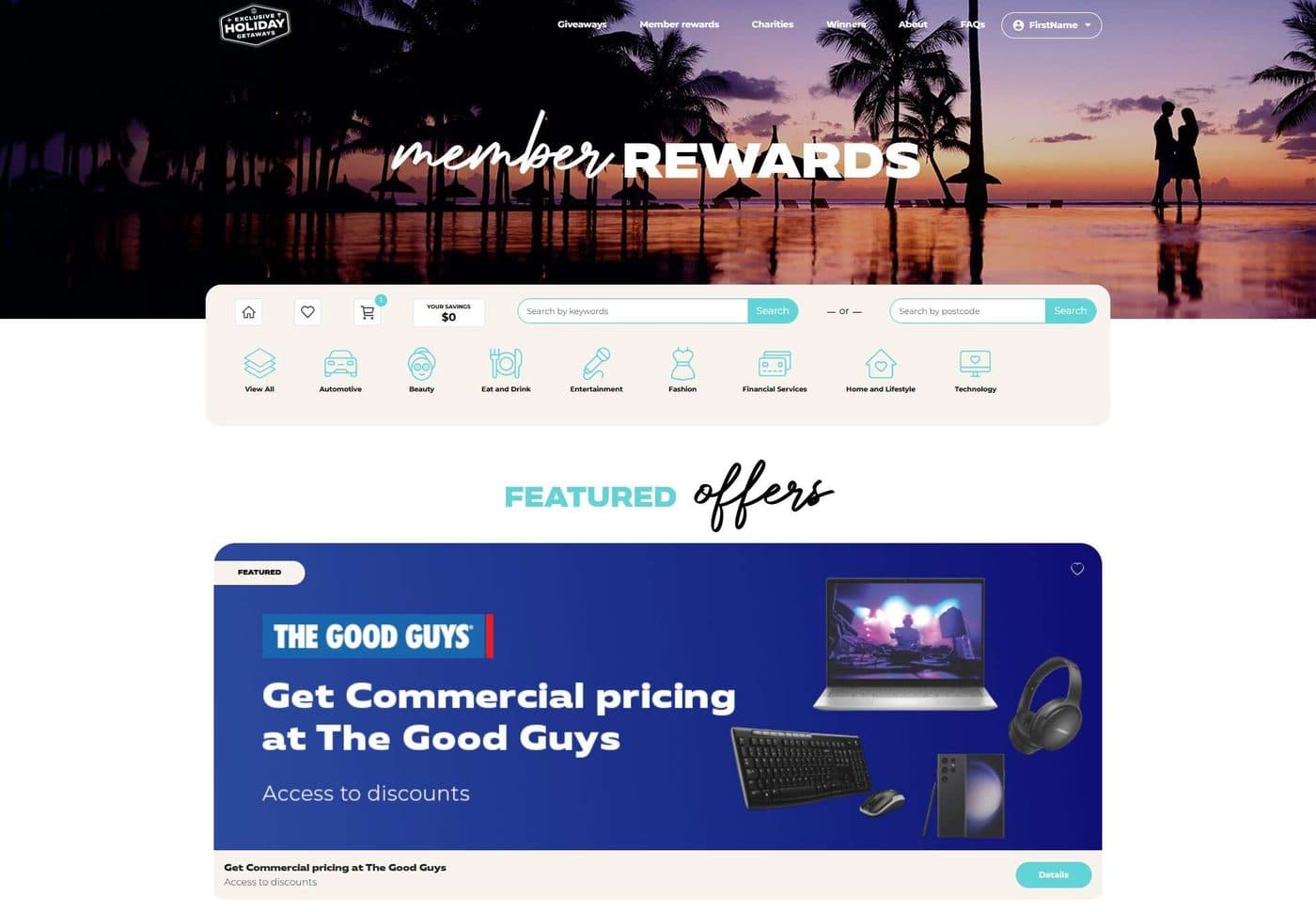 RewardsExclusive Holiday Getaways (EHG)EHG Member Rewards538 → 639 members, June to August 2026Read the case study →
Let's plan something like this for you
Four quick questions, with Loyalty already ticked.